DragonForge
DragonForge
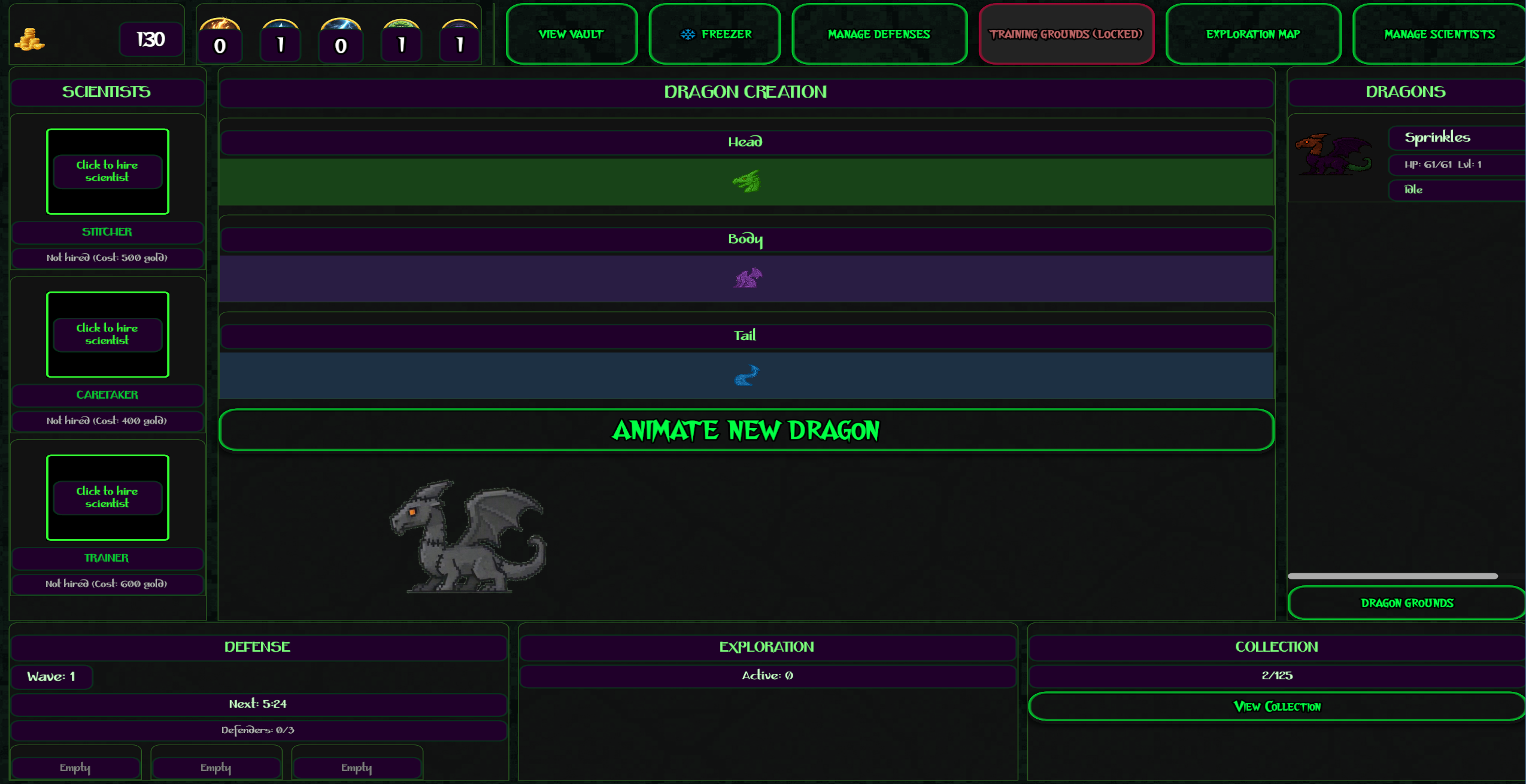
You're the head scientist of a dragon genetics laboratory! Mix and match dragon parts to create unique creatures, hire assistant scientists to automate your lab, and defend your treasure from knight raids—all while your factory keeps running even when you're AFK.
Game Features
125+ Unique Dragon Combinations
- Mix Fire, Ice, Lightning, Nature, and Shadow parts
- Each element combination creates different stats and bonuses
- 1% chance for rare Chimera mutations with 2.5x power!
Idle Automation Progression
- Start manually caring for your first dragon (feed, heal, train)
- Hire Scientists to automate tasks (Feeder, Healer, Trainer, Builder)
- Grow from 1 dragon to a fully automated factory
Strategic Defense
- Knight raids attack every few minutes
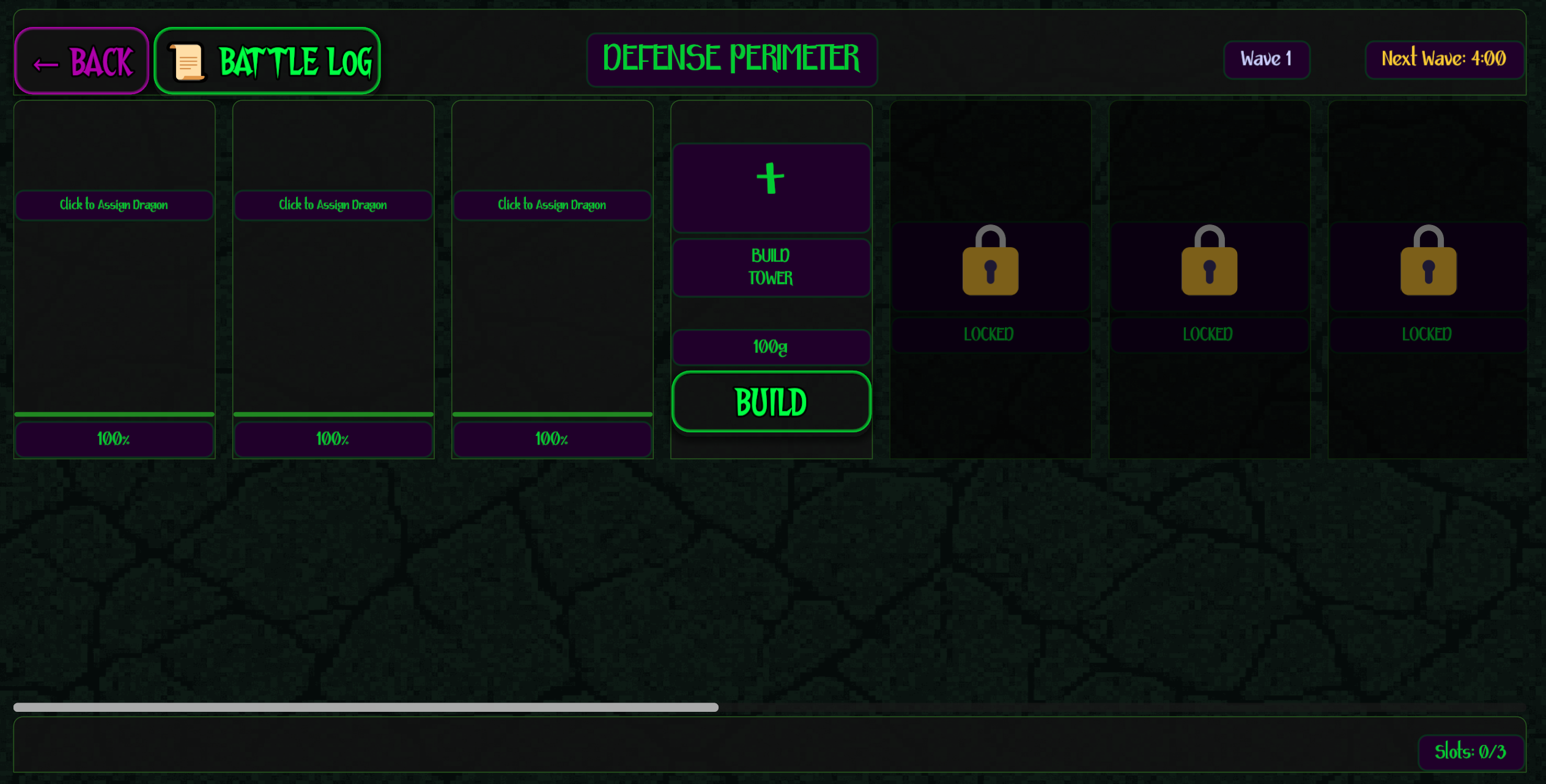
- Assign dragons to defend your treasure
- Balance exploration, training, and defense
Virtual Pet Care
- Dragons have hunger, fatigue, and health needs
- Feed them, let them rest, and watch them grow
- Level up from 1 to 10 with increasing power
Cross-Session Progress
- Save/load system preserves your factory
- Offline progress continues while you're away
- Come back to rewards and new opportunities
RECOMMENDED: Download Windows Version
For the best experience, we strongly recommend downloading the Windows build.
The web version is fully functional and playable, but due to browser limitations with emoji rendering, some visual icons (element symbols, UI indicators) may display as boxes or incorrectly. The Windows version displays all icons and emojis perfectly as intended.
Web version: Great for quick testing or playing on any device Windows version: Full visual experience with all icons working correctly
Made for Playful AI Game Jam (Oct 2025)
This game was created in 7 days for the Playful AI Game Jam with a focus on:
- AFK Mechanics: Multiple systems that progress while you're away
- Virtual Pet Care: Emotional attachment to your dragons
- AI Integration: Built using AI tools and Human Imgaination
- "Holy Shit" Moment: Chimera mutations and powerful synergies
- Scalability: Clear path to full game expansion
How to Play
- Create your first dragon - Mix head, body, and tail parts
- Care for it - Feed, heal, and train manually at first
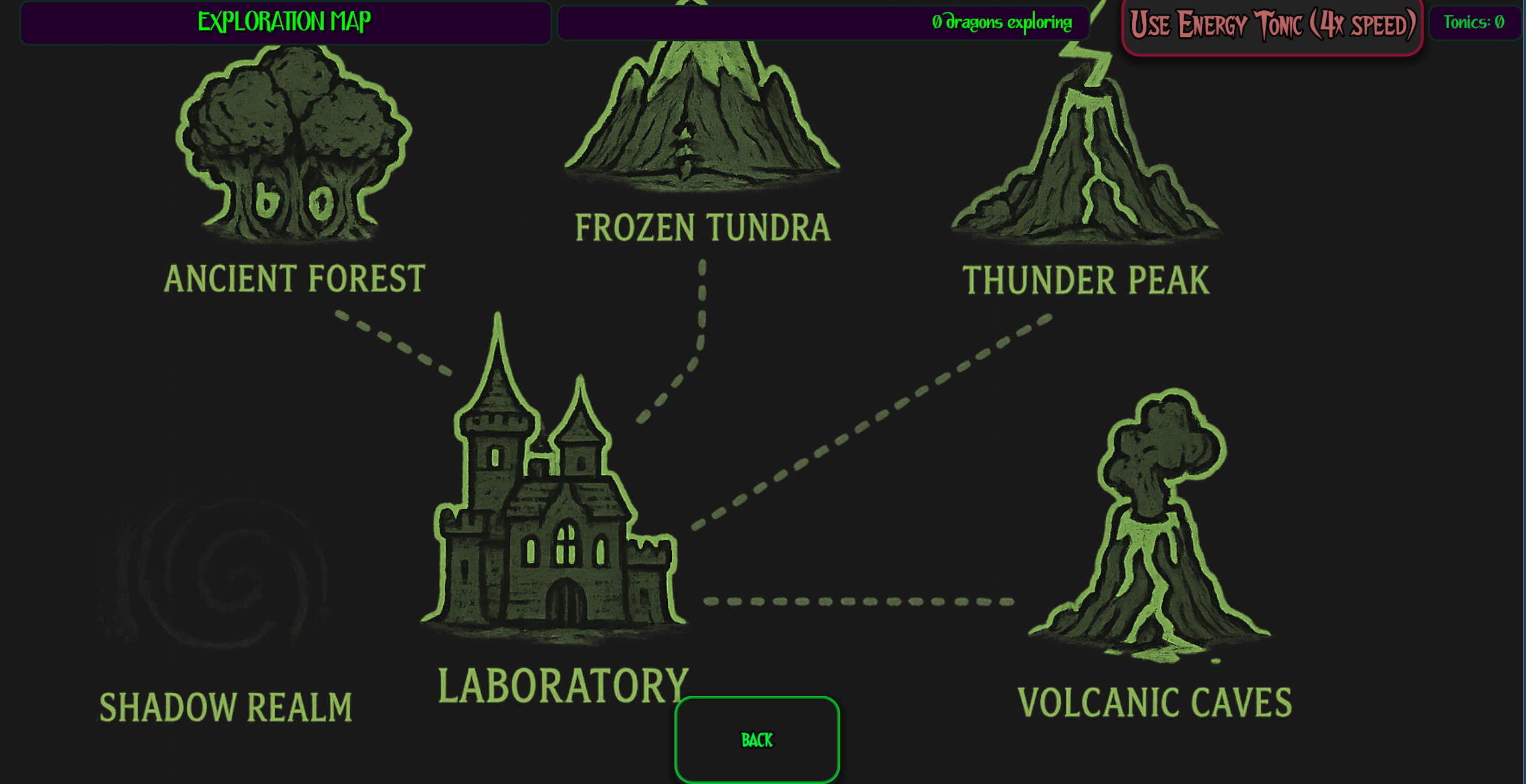
- Earn resources - Defend against knights and send dragons exploring
- Hire scientists - Automate feeding, healing, training, and building
- Expand your factory - Create more dragons and optimize your setup
- Go AFK - Your lab keeps working while you're away!
Credits
- Engine: Godot 4.5
- Claude Code
- Orca Game Engine
- Cursor
- Suno
- Chatgpt5
- Ludo
- Elleven Labs
- Pixabay
- Team: Sweet Georgia
Known Issues
- Web version: Some emoji icons may not display correctly in browsers (download Windows version for perfect visuals)
- This is a game jam prototype - some features are simplified for the 7-day deadline
Enjoy building your dragon empire!
Tamagotchi meets Cookie Clicker meets Tower Defense
Download
Install instructions
Installation Instructions
Windows (Recommended)
For Best Visual Experience - Download This Version!
- Click Download on the Windows build
- Extract the ZIP file to any folder on your computer
- Open the extracted folder
- Double-click
DragonForge.exeto run the game - No installation required! - It's portable
System Requirements:
- Windows 7 or newer
- 200 MB free disk space
- Graphics card with OpenGL 3.3 support
First Time Running:
- Windows might show a "Windows protected your PC" warning
- Click More info → Run anyway
- This is normal for unsigned indie games
Web Version (Play in Browser)
Quick Play - Works on Any Device!
- Click the Run game button above
- Wait 10-30 seconds for the game to load
- Click anywhere on the screen to start
- For best performance, use Chrome or Firefox
Note: Some emoji icons may display as boxes in the web version. For perfect visuals, download the Windows version.
Controls:
- Mouse/Click to interact with all UI elements
- Game auto-saves every 2 minutes
Quick Start Guide
Once the game loads:
- Create your first dragon by selecting parts
- Manually feed and care for it
- Send your dragond exploring to get resources
- Defend against your first knight raid
- Hire your first scientist with earned gold
- Watch automation begin!
Pro Tip: Start with a Pure element dragon (all 3 parts same element) for +50% stat bonus!
Troubleshooting
Windows: "Can't run .exe"
- Make sure you extracted the ZIP file first
- Don't run directly from inside the ZIP
Web: Black screen or won't load
- Refresh the page (Ctrl+F5)
- Try a different browser (Chrome recommended)
- Check browser console (F12) for errors
Web: Laggy performance
- Close other browser tabs
- Try downloading the Windows version for better performance
Game won't save
- Web version uses browser storage - don't clear cookies
- Windows version saves to local files automatically
Save Files
Windows: Saves are stored in %APPDATA%\Godot\app_userdata\[ProjectName]/
Web: Saves use browser localStorage (per-browser, per-device)
You can safely close and reopen the game - your progress is saved!
Leave a comment
Log in with itch.io to leave a comment.